
Download BeeTheBest Demo – Nature-Based Challenges, Pollinator Quiz, Local Multiplayer, Educational Game
Overview
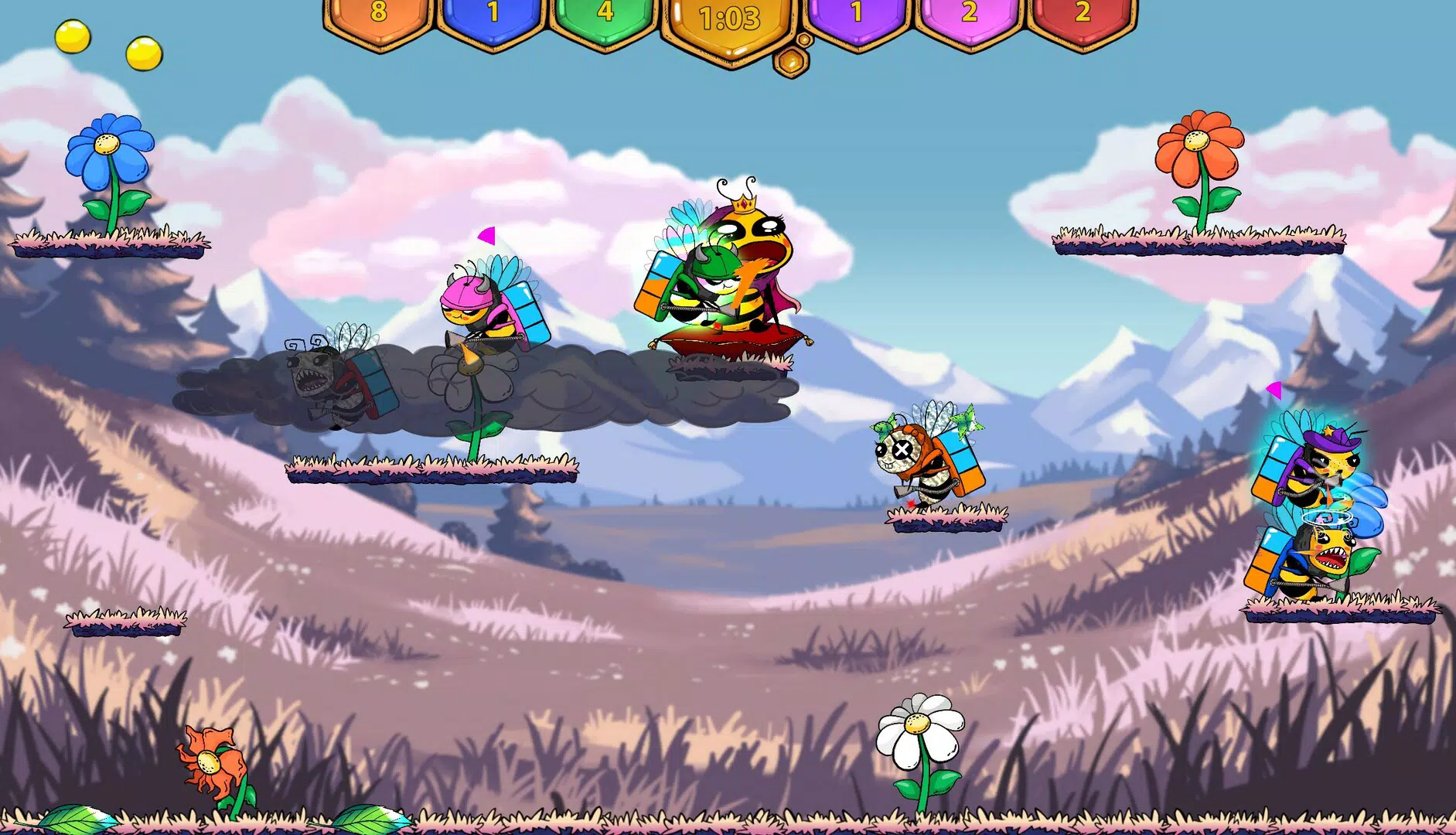
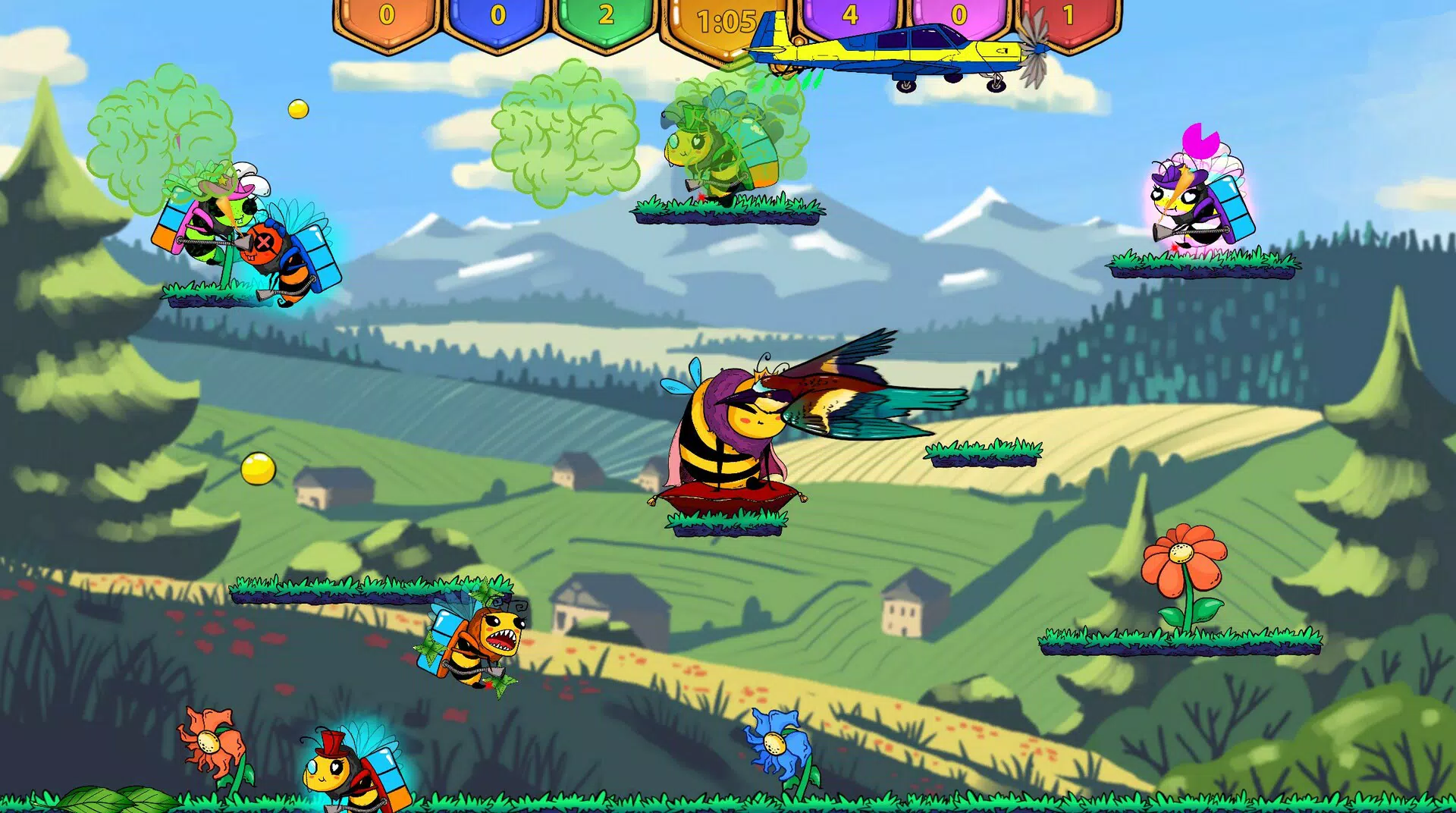
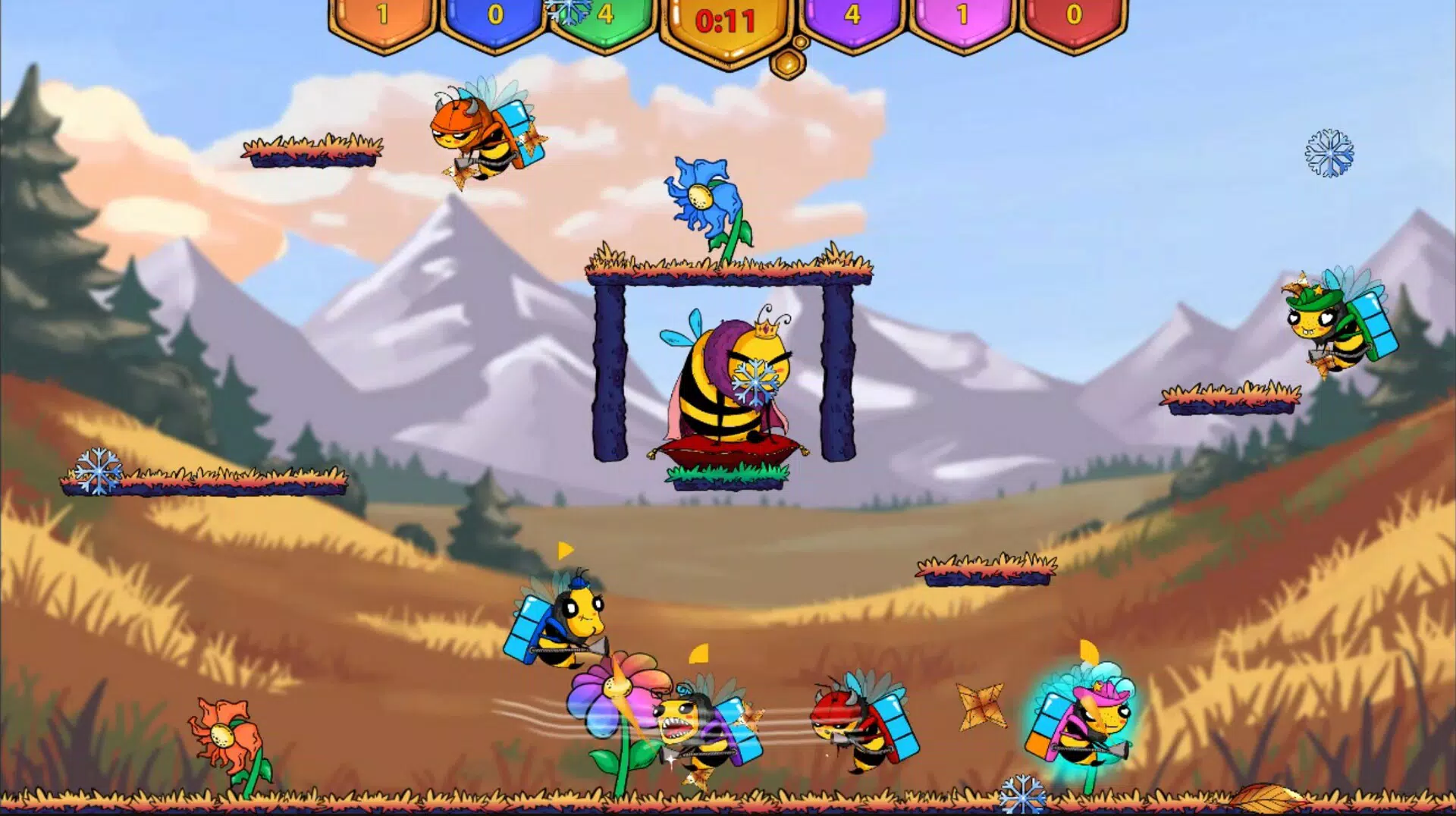
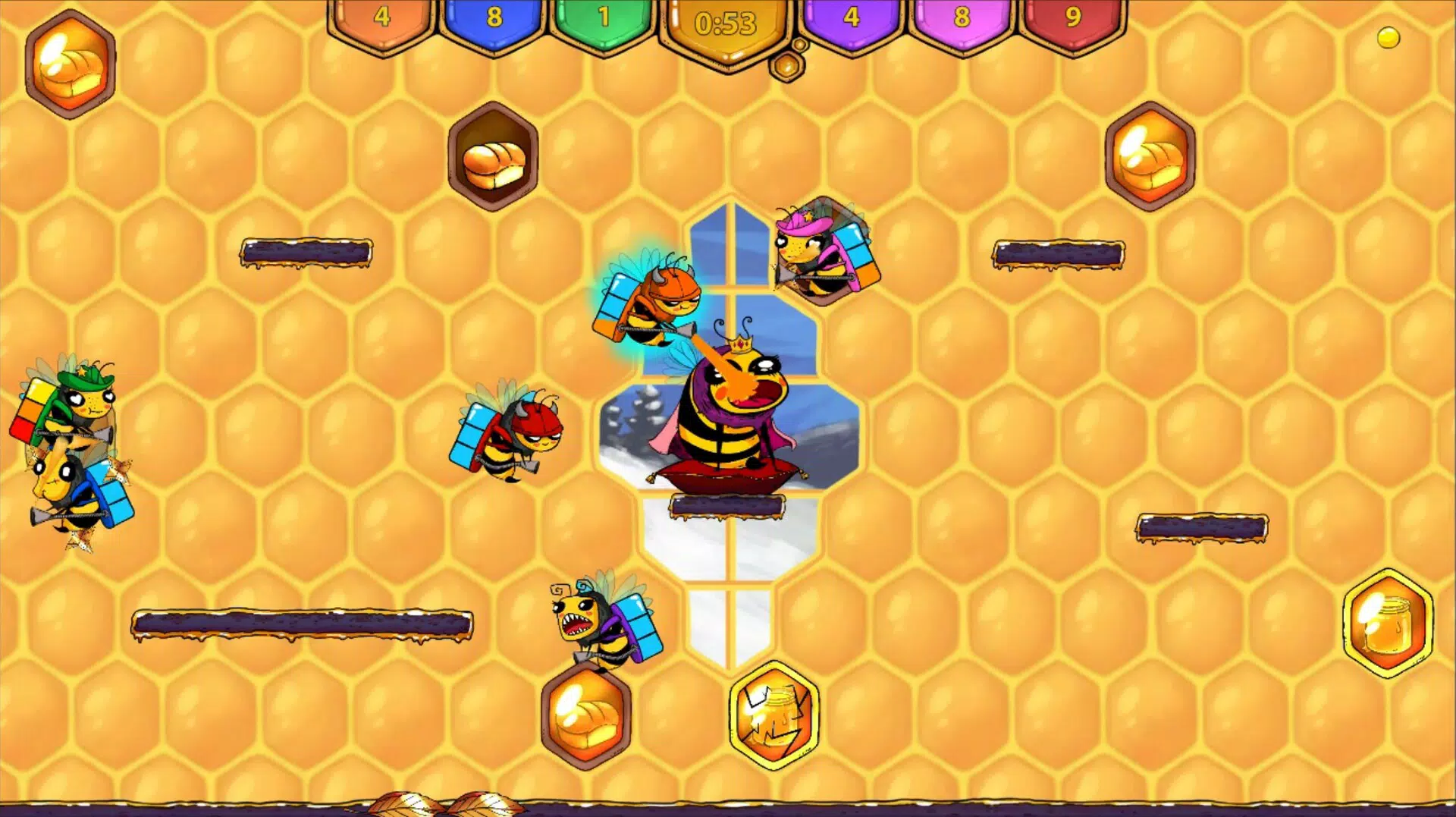
BeeTheBest Demo presents a compelling glimpse into a nature-themed educational game that blends interactive gameplay with real-world ecological awareness. Designed for players of all ages, the demo allows users to experience seasonal challenges centered around pollinators, particularly bees, emphasizing their critical role in maintaining biodiversity. The app serves as a gateway to a larger game, offering a curated selection of features that highlight both entertainment and learning.
It is ideal for educators seeking engaging tools, families looking for screen-time that promotes knowledge, and individuals interested in environmental stewardship. The demo’s structure encourages exploration across four distinct seasons, each introducing unique environmental conditions and gameplay dynamics. By integrating quiz-based assessments at the end of each season, the app reinforces learning through active recall and reward-based mechanics.
Although the developer did not provide additional background details, the focus on ecological education and local multiplayer suggests a commitment to accessible, socially engaging content. Real-world use cases include classroom activities, family game nights, and informal science learning. In the broader app ecosystem, BeeTheBest Demo fills a niche for lightweight, purpose-driven games that prioritize environmental literacy without sacrificing fun.
Key Features & Functionality
- Dynamic Game Configuration: Players can adjust adversities, question counts, and time limits per round, enabling personalized difficulty and pacing. This flexibility ensures that each session remains fresh and adaptable to different skill levels or learning goals.
- Local Multiplayer Support: Up to six players can join locally on a single PC, fostering real-time competition and collaboration. This feature enhances social interaction and makes the demo ideal for gatherings, classrooms, or family events.
- Interactive Learning Tree: A dedicated educational hub that provides visual and interactive content on pollination, plant species, and pollinator behavior. This feature transforms passive learning into an immersive experience, helping users connect ecological concepts with gameplay.
- Seasonal Knowledge Quiz: At the conclusion of each season, players face a quiz testing their understanding of bee biology and ecosystem dynamics. Correct answers earn bonus points, reinforcing retention and rewarding curiosity.
- Accessible Controls: The demo supports both keyboard and mouse inputs, as well as controller setups, ensuring broad accessibility. This adaptability allows two players to participate simultaneously, even without specialized hardware.
These features work together to create a balanced experience where entertainment and education are equally prioritized. For instance, a teacher could use the demo to lead a lesson on pollination, guiding students through seasonal challenges and concluding with the quiz to assess comprehension. Similarly, a parent might use the local multiplayer mode to engage children in a fun, screen-based activity that also teaches environmental responsibility.
Interface, UX & Performance
The user interface of BeeTheBest Demo appears to be designed with clarity and accessibility in mind. The layout likely organizes seasonal challenges, control options, and learning modules in a logical, intuitive manner. Visual style emphasizes natural themes—greens, earth tones, and animated pollinators—aligning with the app’s ecological focus.
Navigation flow appears streamlined, allowing users to transition between gameplay, the Learning Tree, and quiz sections with minimal friction. The demo supports both keyboard and controller inputs, suggesting a well-thought-out approach to user experience across different hardware setups. Although the developer did not list formal performance metrics, the app’s design suggests it is optimized for smooth operation on standard desktop systems.
Responsiveness is expected to be consistent, with minimal lag during gameplay and transitions. Stability during local multiplayer sessions is likely maintained through efficient session management. Users can expect a stable experience across a range of device categories, including mid-tier and high-end systems.
However, specific performance benchmarks or hardware requirements were not disclosed.
Platform Compatibility & Technical Requirements
BeeTheBest Demo is available on PC platforms, though the exact operating system was not specified. The file size and software version were also not provided in the input. The developer did not list formal minimum OS requirements or compatibility details, so users are advised to ensure their system meets general standards for running educational games.
The app’s reliance on local multiplayer suggests it may be designed for Windows-based systems, but this is not confirmed. No information was provided regarding cloud sync, cross-device play, or mobile availability. The release date of the demo is February 10, 2025, indicating it is a recent addition to the educational gaming space.
For users seeking the latest version, checking the official source for updates is recommended. The app’s technical footprint remains unclear, but its design implies moderate resource usage suitable for most modern PCs.
Pros and Cons
Pros
- Engaging blend of gameplay and ecological education
- Supports local multiplayer for up to six players
- Customizable difficulty settings for varied user needs
- Interactive Learning Tree enhances knowledge retention
- Accessible controls with support for keyboard, mouse, and controller
Cons
- No information on minimum system requirements
- Platform availability beyond PC not confirmed
- File size and version details not disclosed
- Limited to local play; no online multiplayer or cloud save
- Developer background and company details not provided
FAQ
Is BeeTheBest Demo available for mobile devices?
The developer did not specify mobile compatibility. The demo is currently known to be available on PC platforms.
Can I play BeeTheBest Demo with friends locally?
Yes, the demo supports up to six players in local multiplayer mode, making it ideal for family game nights or classroom activities.
Is the app free to download?
The pricing information was not provided. Users should check the official source for current pricing and availability.
Does the demo include online multiplayer?
Based on the available information, the demo focuses on local multiplayer only. No online or cloud-based multiplayer functionality is confirmed.
How often is the app updated?
The developer did not provide update frequency details. Users are encouraged to check the official website or platform store for the latest version.
Final Thoughts + CTA
BeeTheBest Demo stands out as a thoughtful, educational game that successfully merges fun with environmental awareness. Its seasonal structure, interactive learning tools, and customizable gameplay make it a valuable resource for families, educators, and eco-conscious gamers. The emphasis on local multiplayer fosters real-world connection, while the quiz system ensures that learning is both engaging and measurable.
Although some technical details remain undisclosed, the app’s core experience is clear, well-designed, and purposeful. It is particularly suited for users seeking screen-time that contributes to ecological literacy. For those interested in nature-based challenges, pollinator education, and social gameplay, BeeTheBest Demo offers a compelling entry point.
Download BeeTheBest Demo now


